

M3 Solaris + AI
How we work
with AI.
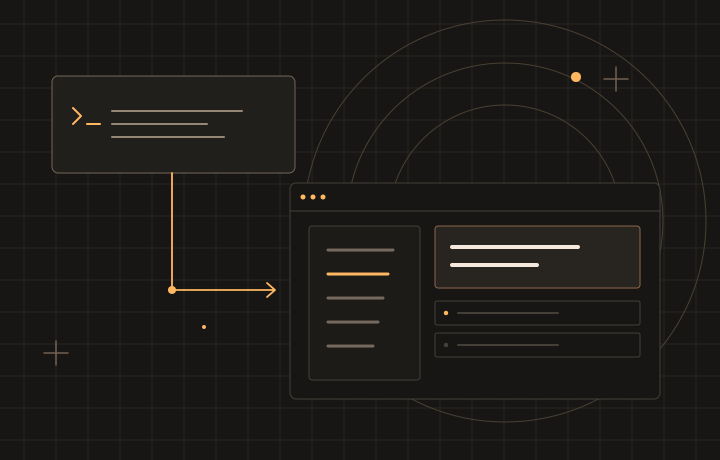
Describe the change. The assistant finds the part of your site it needs to edit, prepares the update in Joomla and checks the result. See how we rebuilt the homepage and gave it a lighter visual style.
Example 1 · The homepage
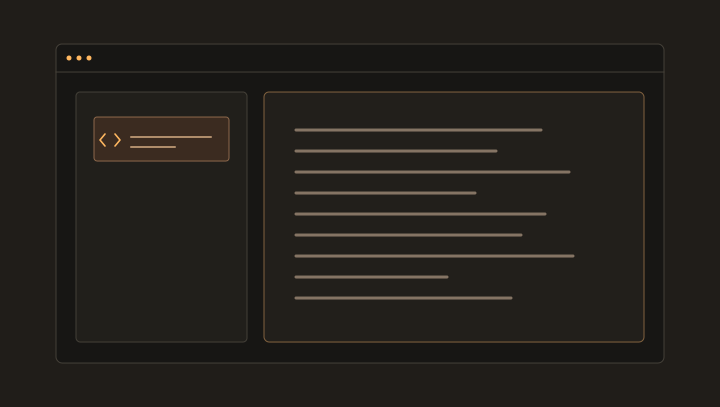
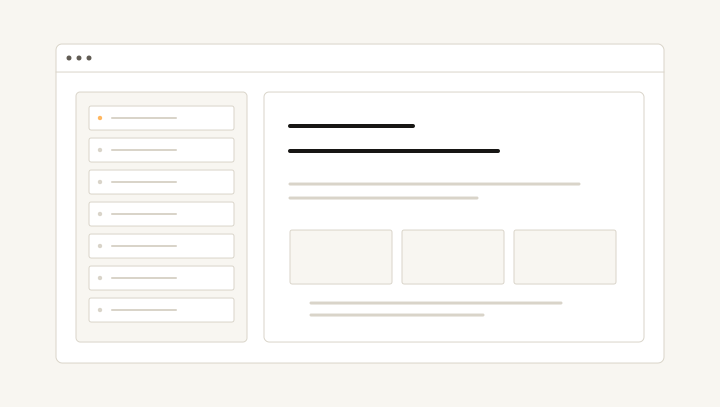
From one HTML block to seven sections.
The brief was to make every section of the homepage editable in M3 Design. These three steps show what changed.
Example 2 · The light design
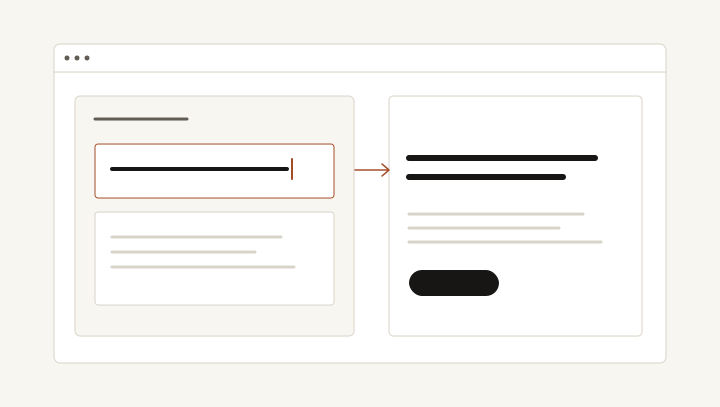
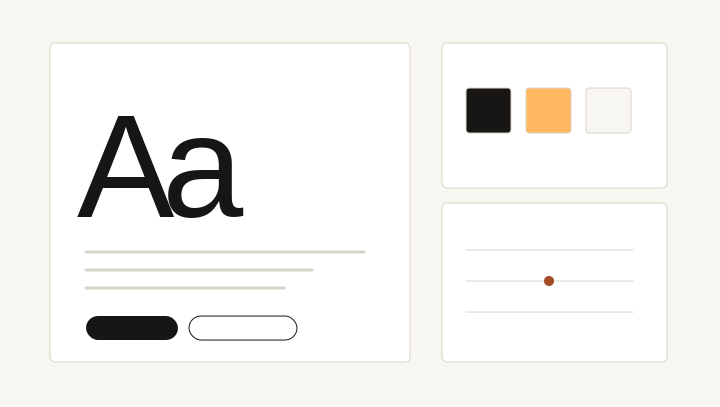
From design reference to live site.
Narvark was the reference. We used its fonts and styles to adapt the homepage for M3 Solaris.

How to ask for a change.
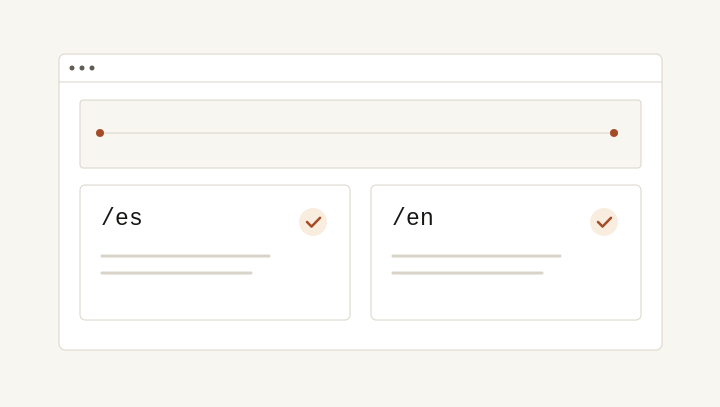
Specify the content, the language and whether you want a draft or a published change.
Edit a page
“Change the first paragraph on the homepage in Spanish and English. Keep the design.”
Prepare an article
“Save this announcement as a draft in News and link its English translation.”
Add it to the menu
“Publish the English announcement and add a link to the main menu.”
Put the conversation to work on your site.
M3 Solaris MCP gives your assistant access to tools in Joomla. Follow the guide to connect it and test it on your own installation.How the MCP works